
The GP-Jammer API lets you:
- Browse the interference library
- Configure SDR settings
- Select interference parameters
- Start or stop signal generation
- Read generation logs
This article helps you get started quickly by guiding you through API server setup in the desktop application.
Set up the API server
To set up the API server, follow these steps:
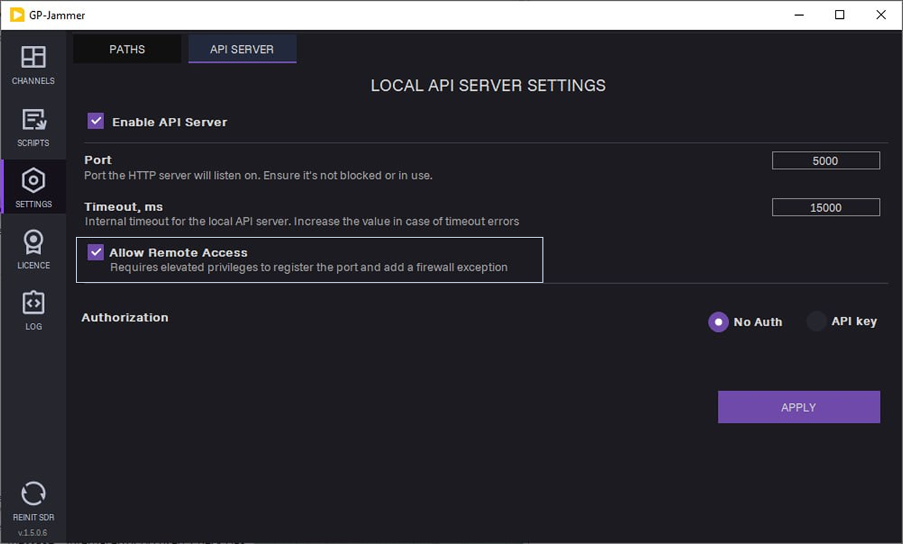
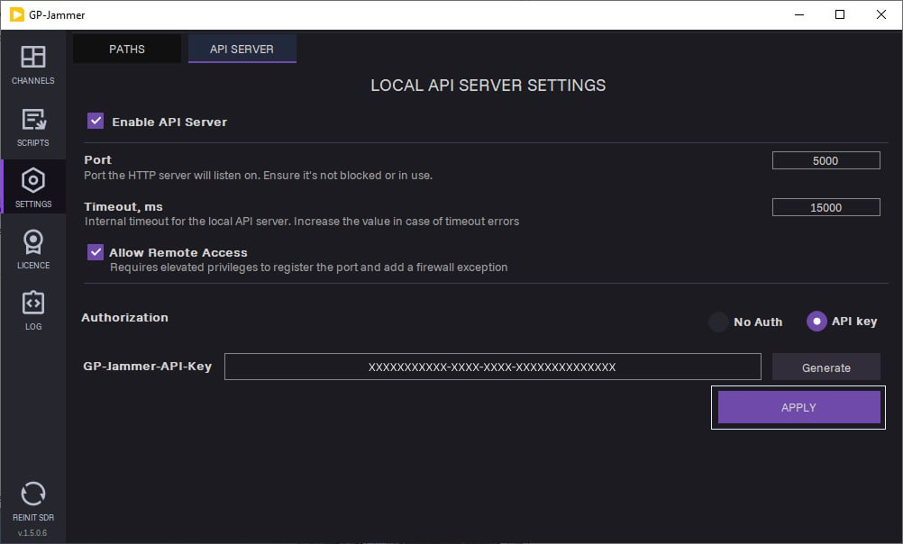
1. Open the GP-Jammer application and navigate to the SETTINGS>API SERVER tab.
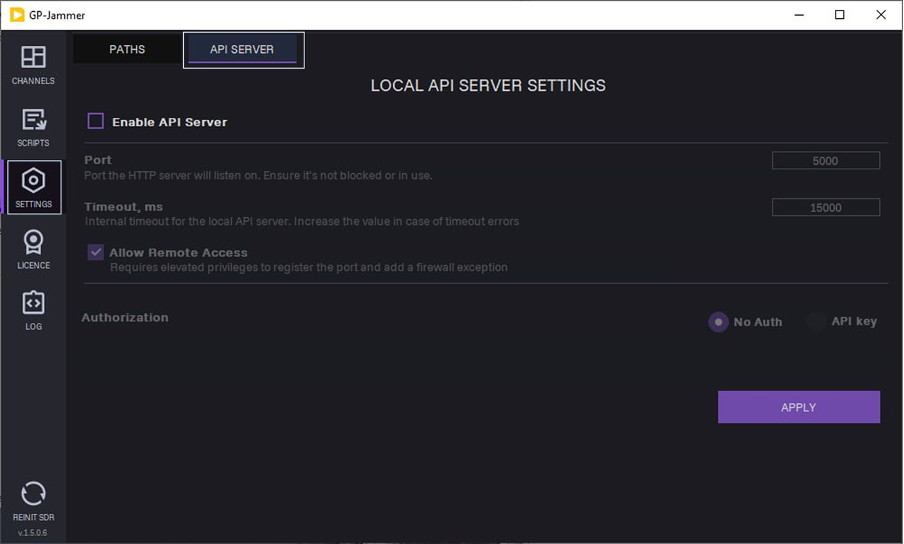
2. On the API SERVER tab, select the Enable API Server checkbox.
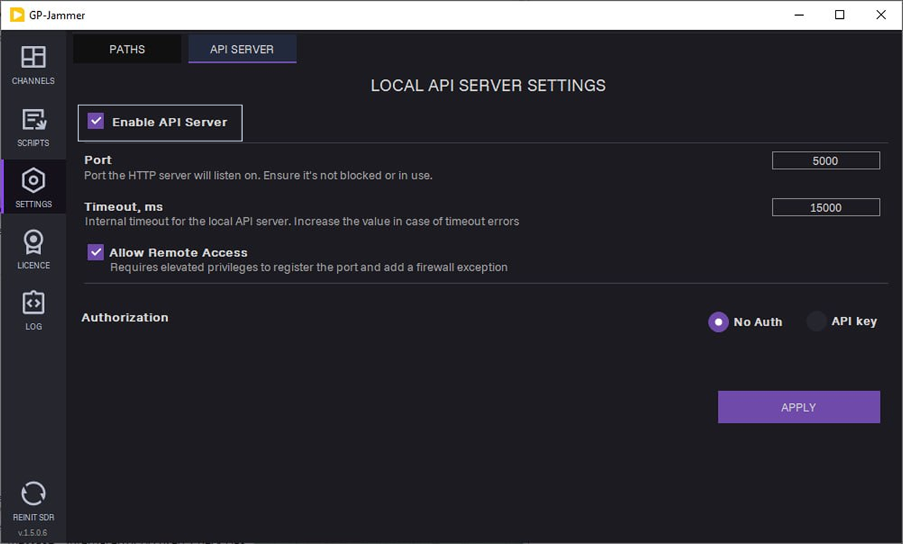
3. Enter an available port in the Port field.
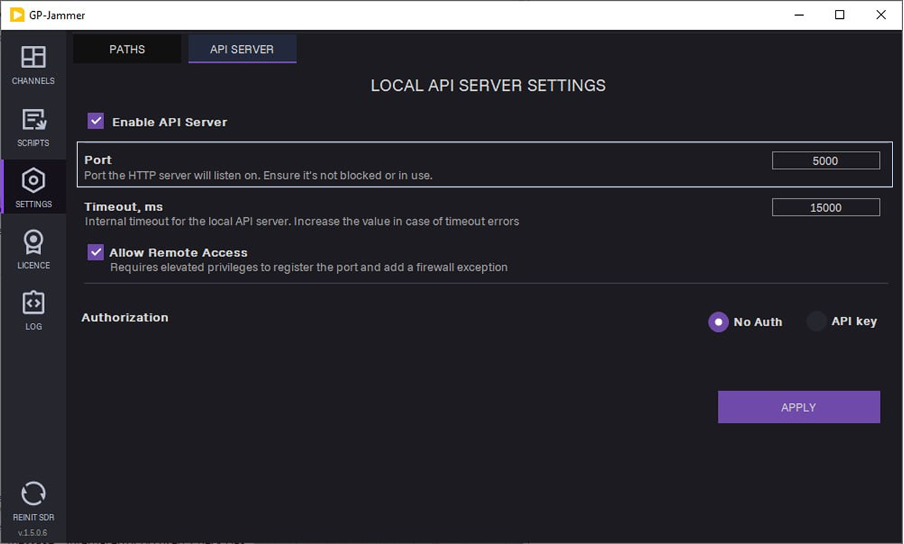
4. Set internal timeout for the local API server in the Timeout, ms field.
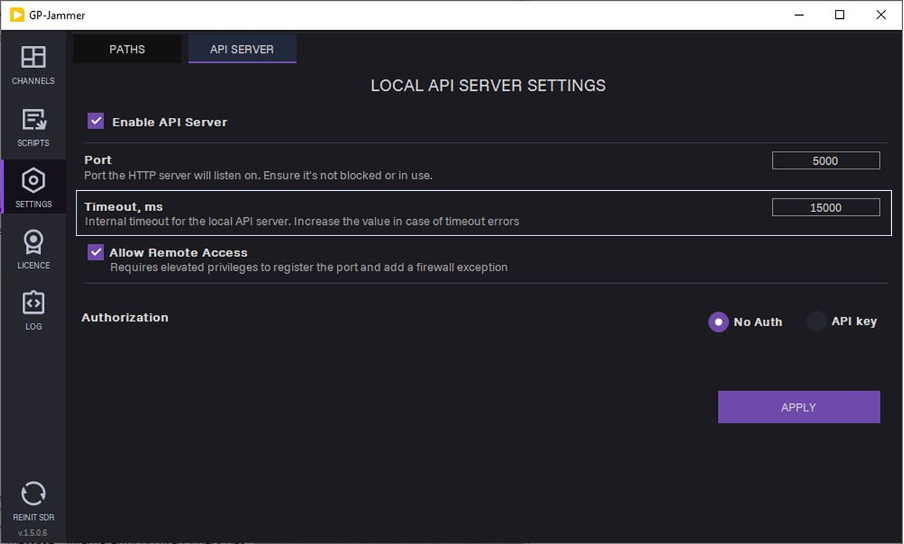
5. Optional: To access the server from a remote machine on the local network, select Allow Remote Access.
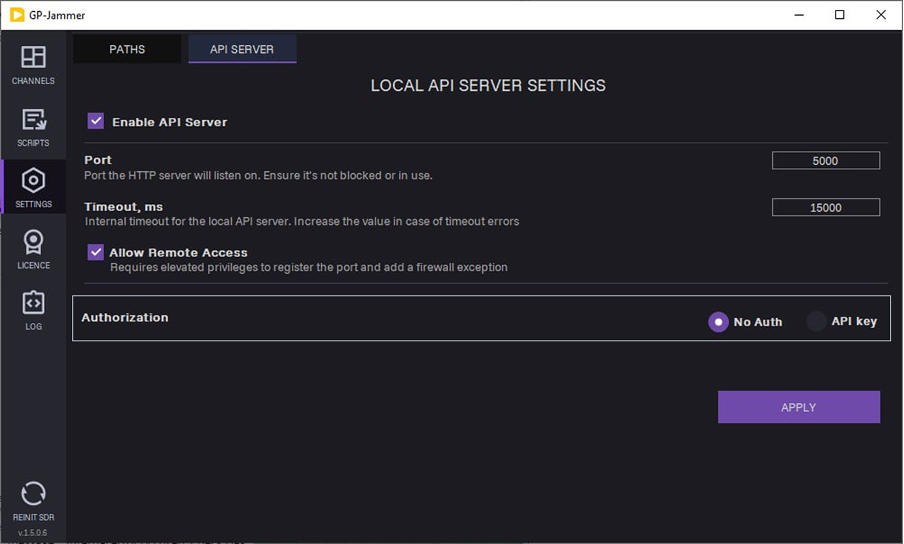
6. Select an authorization type from the available options:
- No Auth: The server does not require an API key.
- API key: Send the API key with the request.
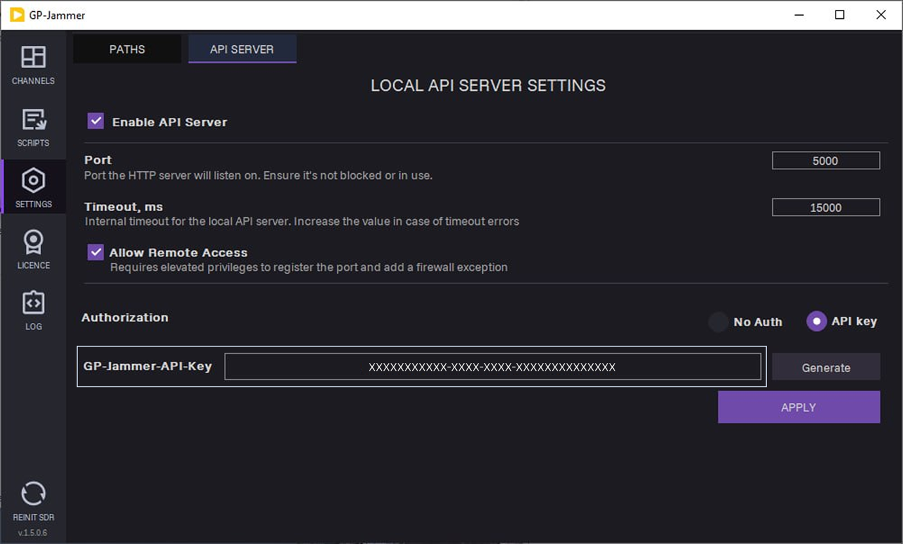
When you select the API key option, a key appears. If you run the server with authorization, use that key.
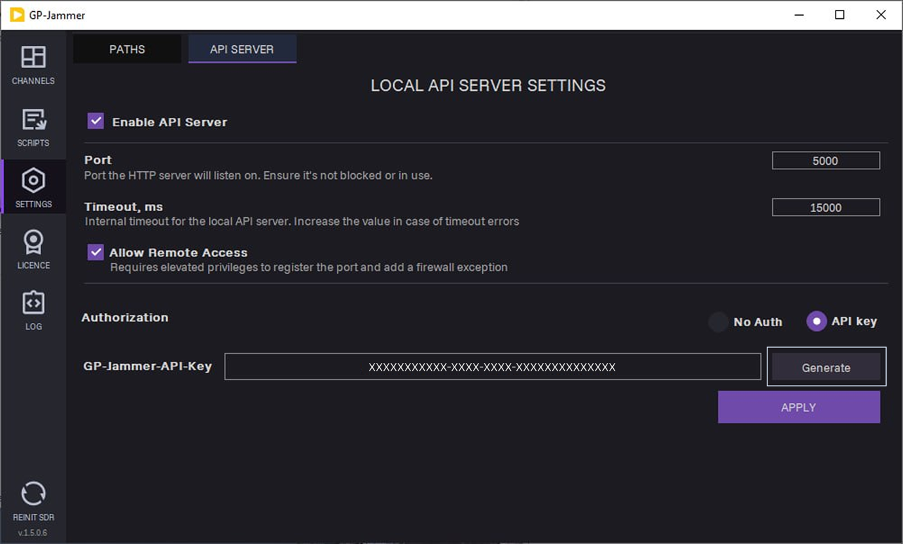
To generate new API key, click Generate.
7. Click APPLY.
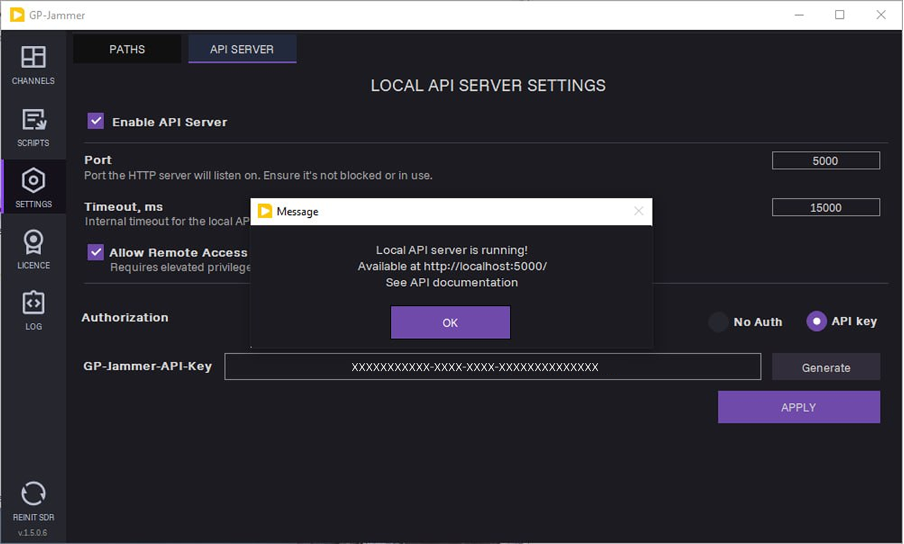
The local API server is now running.
For a quick start guide on API usage and a detailed description of the endpoints, see the GP-Jammer Local API documentation.