
The GP-Simulator 2 software is compatible with the following SDRs:
- GP-Simulator 2 SDR
- Ettus USRP
- ANTSDE U series
To install GP-Simulator 2 software, follow the steps:
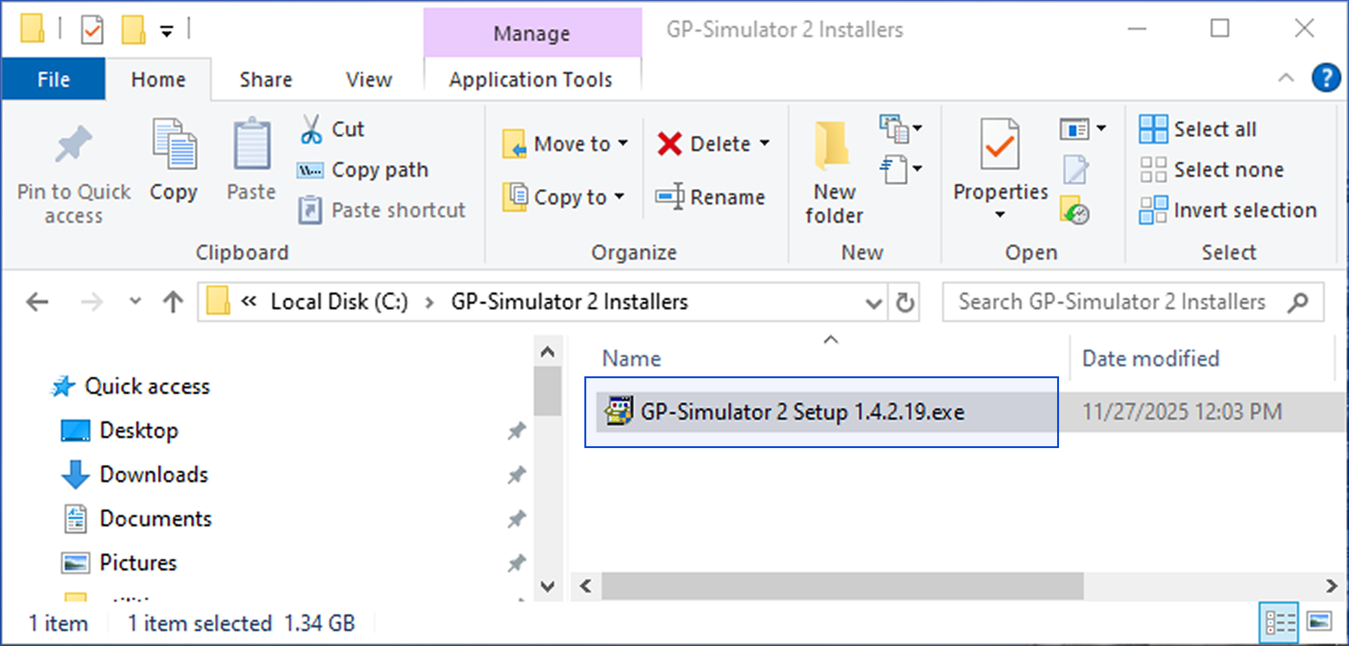
1. Locate GP-Simulator 2 installer pack and open it.
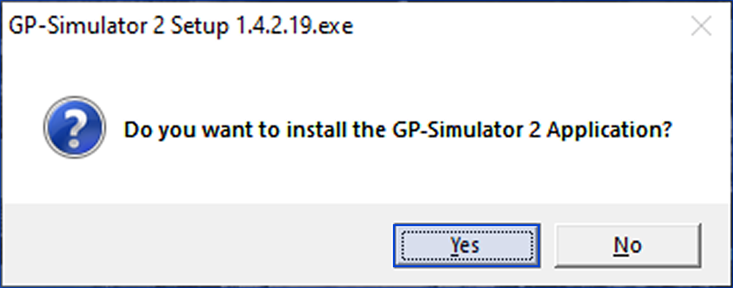
2. Confirm installation.
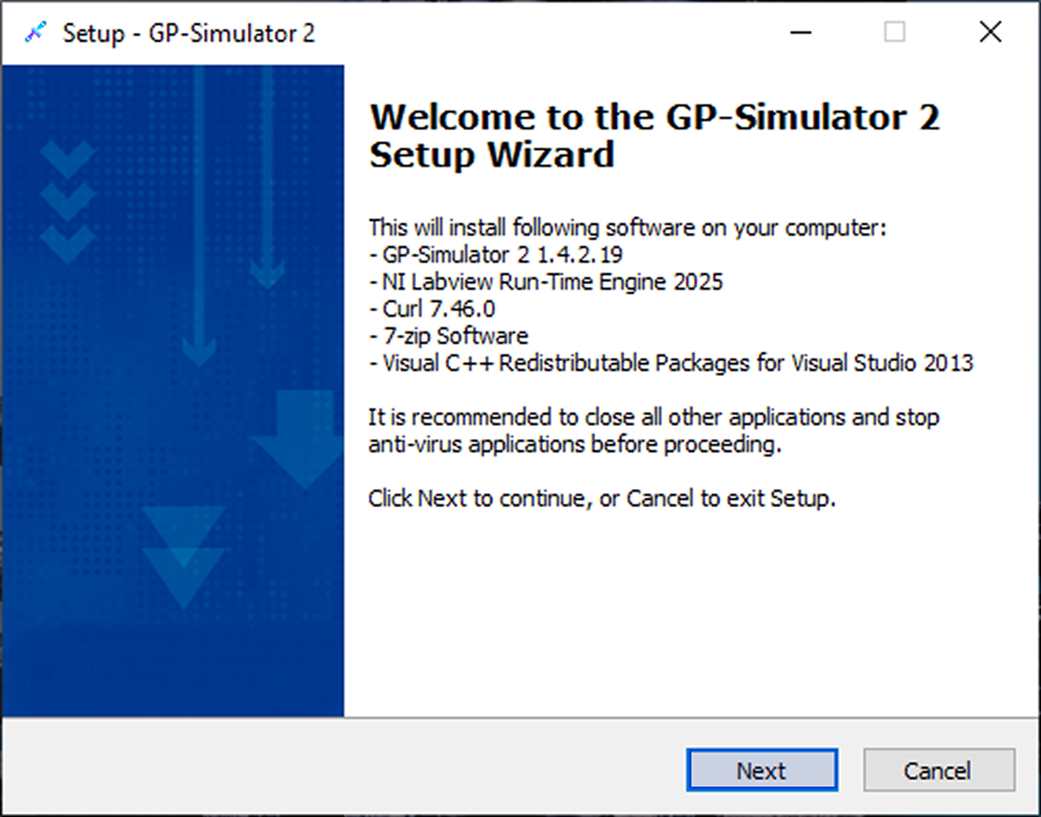
3. GP-Simulator 2 Setup Wizard opens. To proceed, click Next.
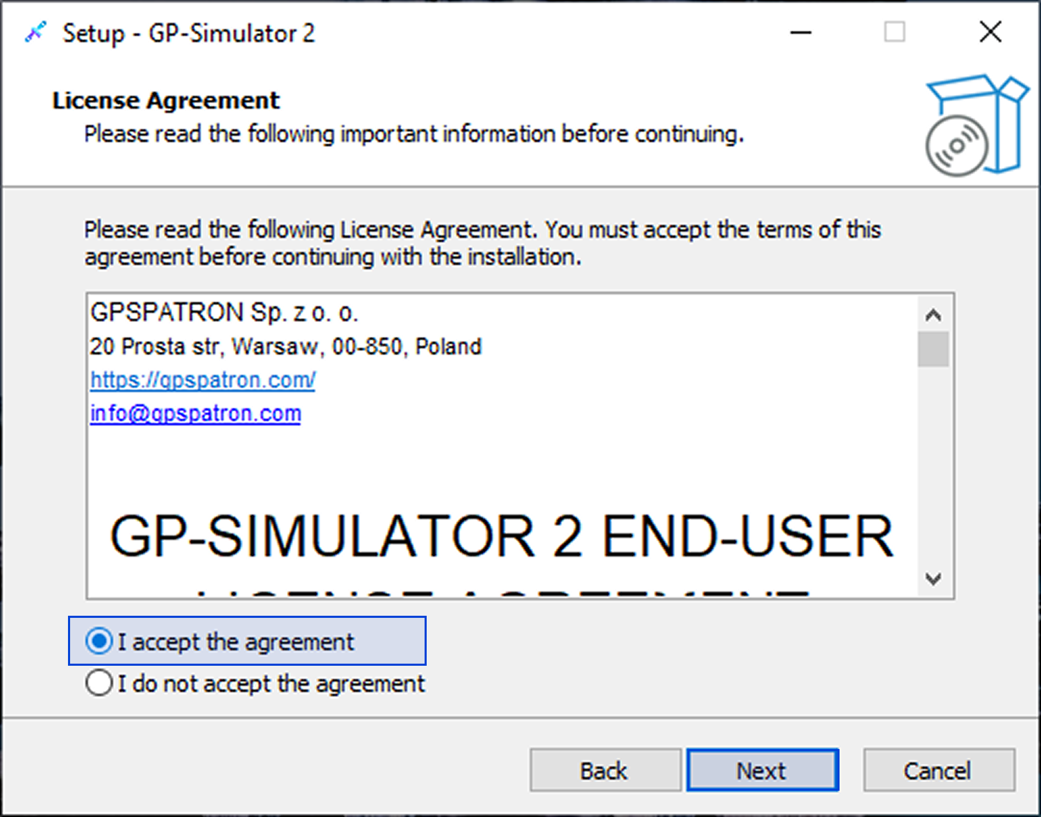
4. Read License Agreement, accept the terms, and click Next.
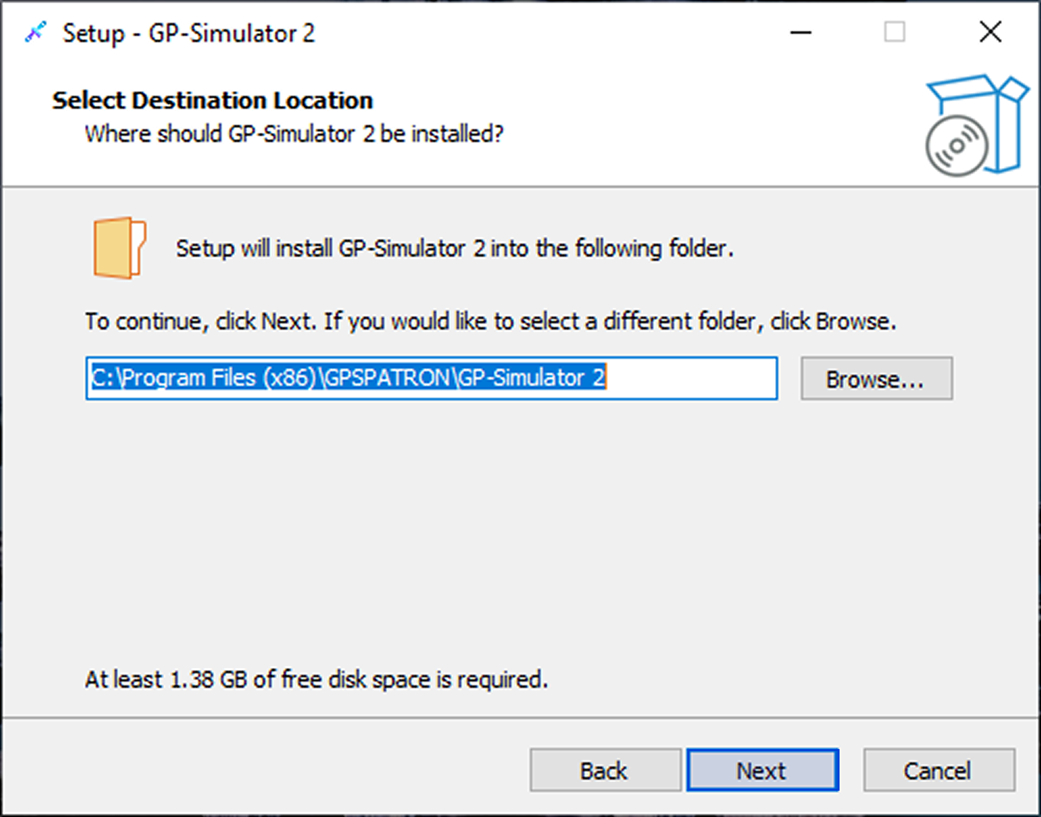
5. Select destination location and click Next. 1.38 GB of free disk space is required.
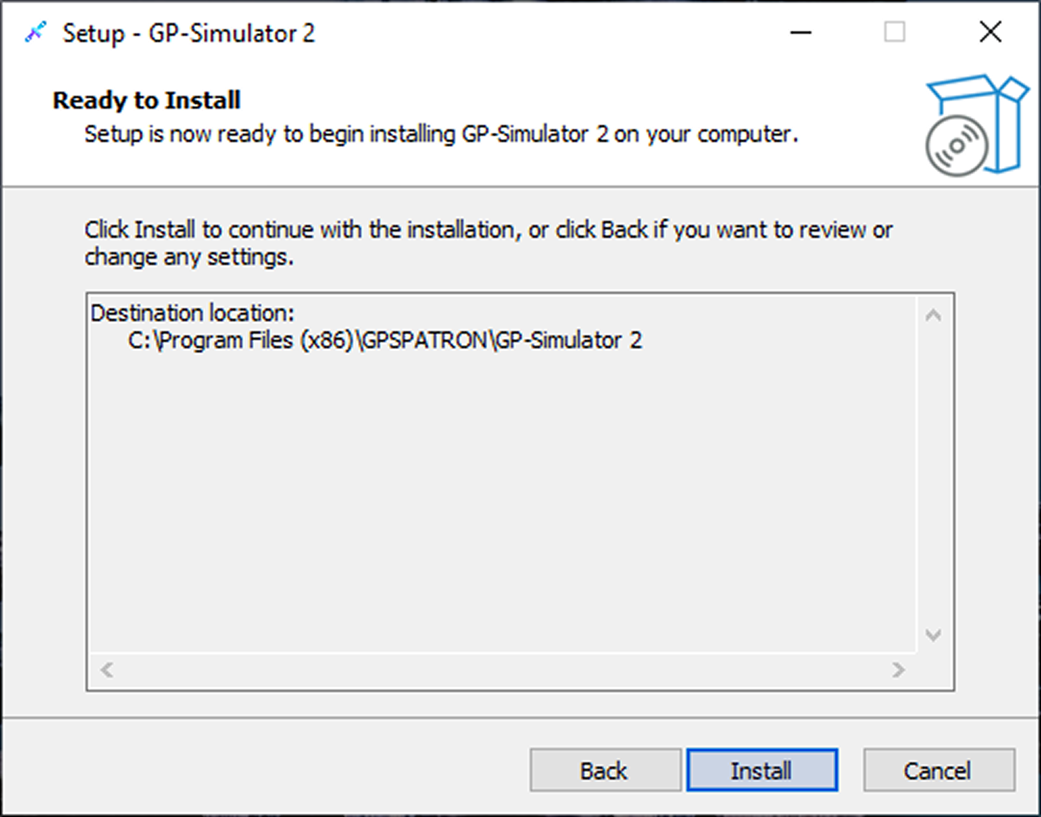
6. Click Install.
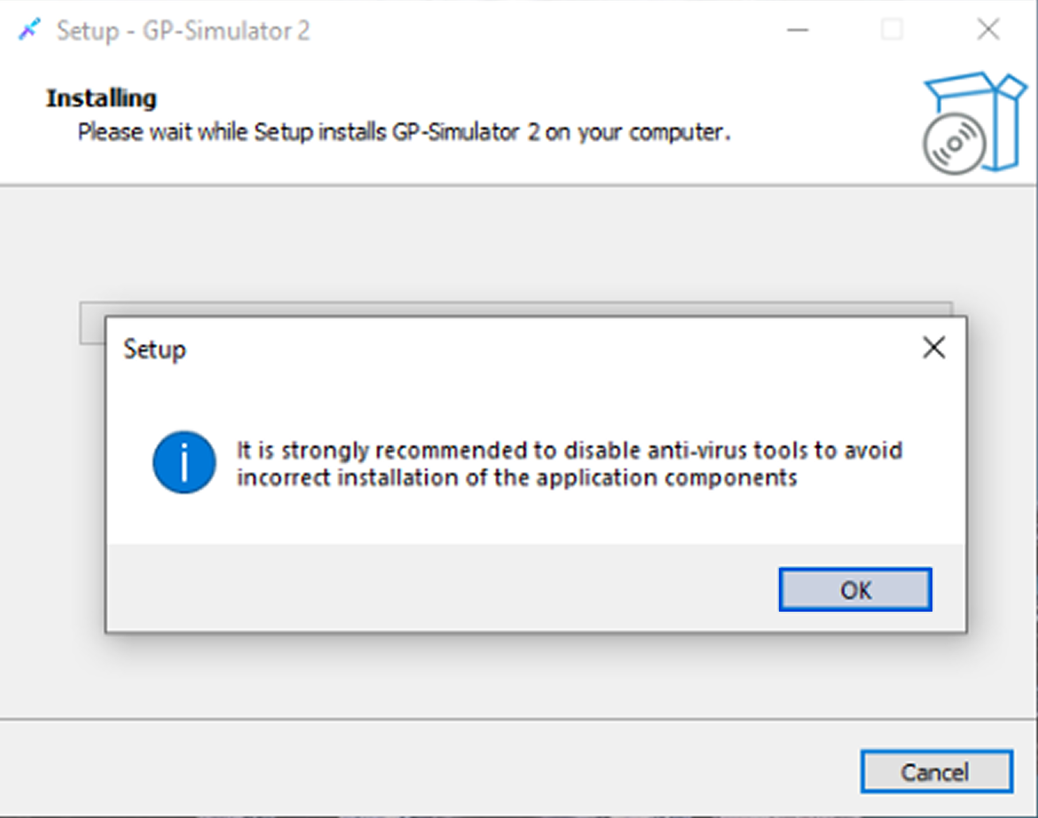
7. Disable antivirus tools and click OK. Installation starts.
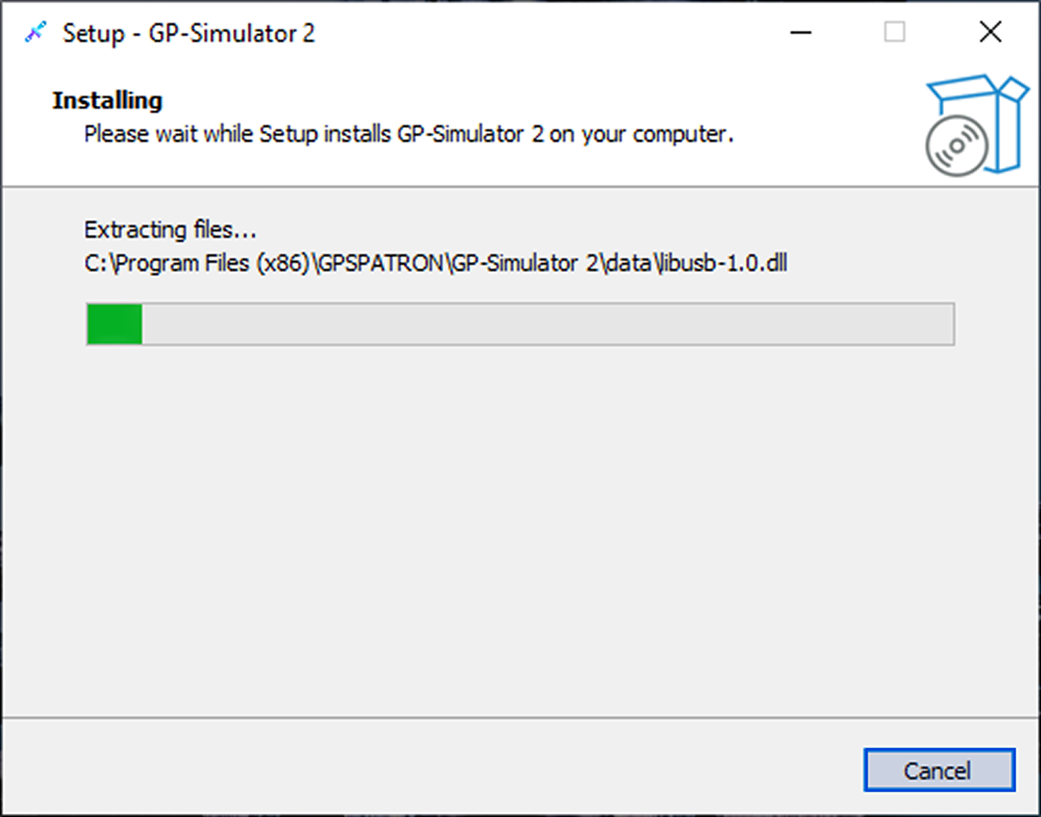
8. Wait until installation is complete.
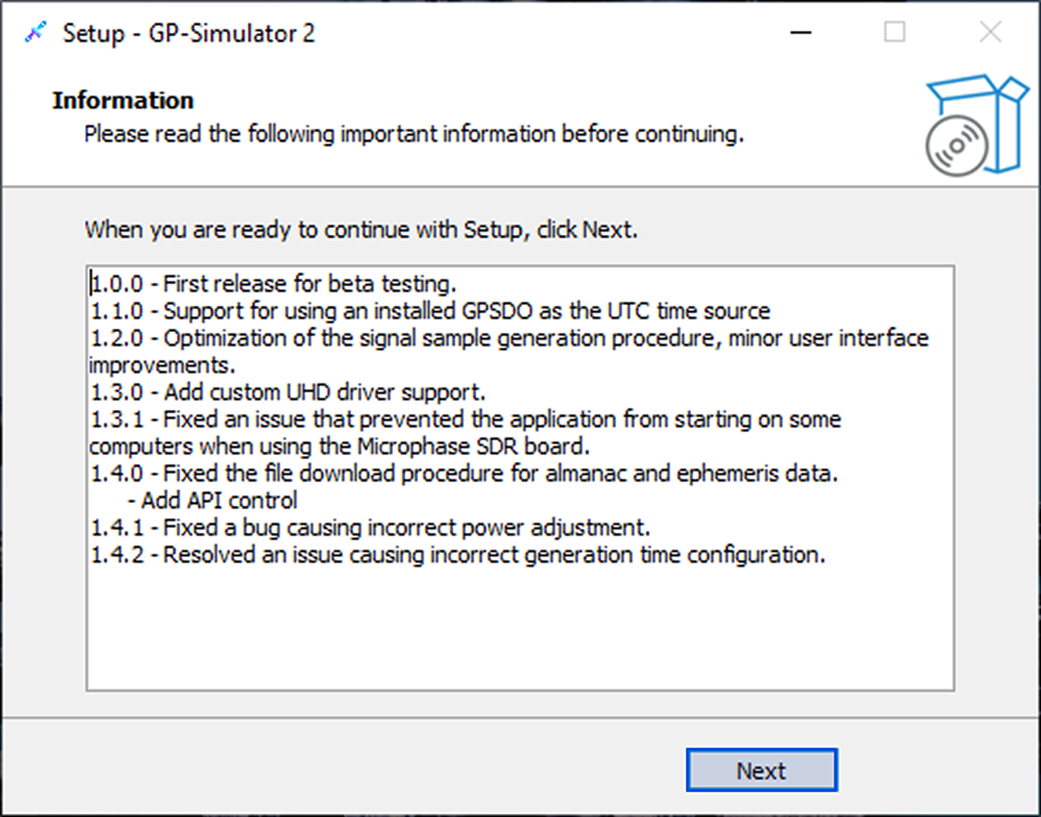
9. Read information about software updates and click Next.
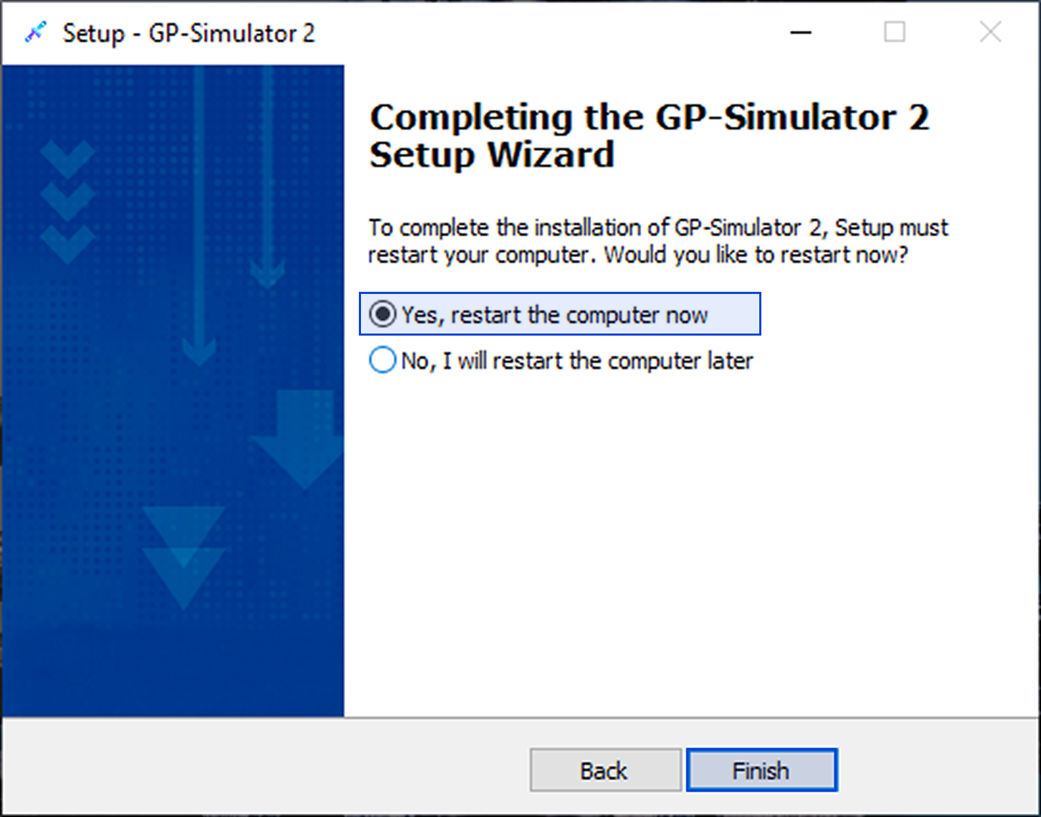
10. Select Yes, restart the computer now and click Finish. Setup is complete.